




Free for Windows 10 & 11

Make your PC run better.
Then prove it.

Framecalm fixes the display, power and network settings holding your whole PC back, tunes each game's own settings for your hardware, and measures the result. Every change is explained and can be undone.

No account. No ads. No telemetry. Every change can be undone.

Recorded from the app's demo modeDemo data · simulated numbers

Also tunes or guides the games you actually play

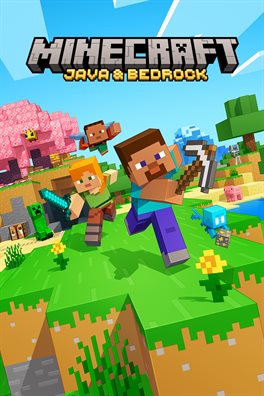
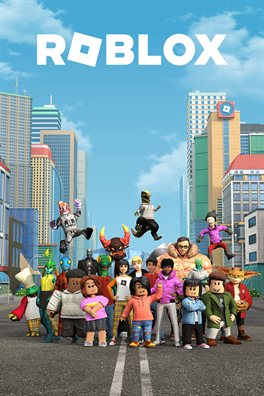
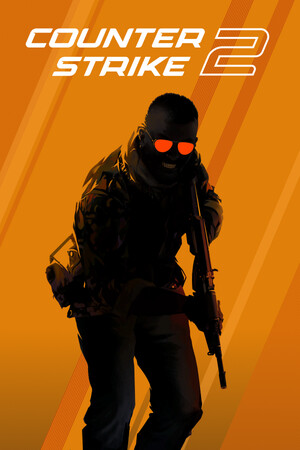
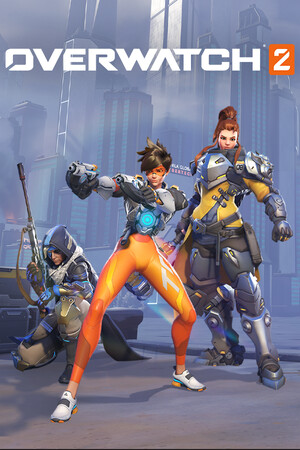
Minecraft coverFortnite coverRocket League coverRoblox coverVALORANT coverCounter-Strike 2 coverApex Legends coverOverwatch 2 coverRainbow Six Siege coverPUBG coverMinecraft coverFortnite coverRocket League coverRoblox coverVALORANT coverCounter-Strike 2 coverApex Legends coverOverwatch 2 coverRainbow Six Siege coverPUBG cover

What it does

Fixes the whole PC. Then the games on it.

This PC, not just one game

Display, power and network settings that hold back everything you run, changed the same way Windows Settings changes them, and undoable.

Screen refresh rate60 Hz → 144 Hz
Wi-Fi adapter power savingMaximum → Off
Background recordingOn → Off
Windowed-game optimizationsOff → On
Power planBalanced → High performance
DEMO NUMBERS

Auto-tune a game to a target

Say "match my 144 Hz screen". Framecalm finds whether your CPU or GPU is the limit and lowers what buys the most frames for the least looks.

147FPS

Target 144 FPS · measured every round

DEMO NUMBERS

Proof, not promises

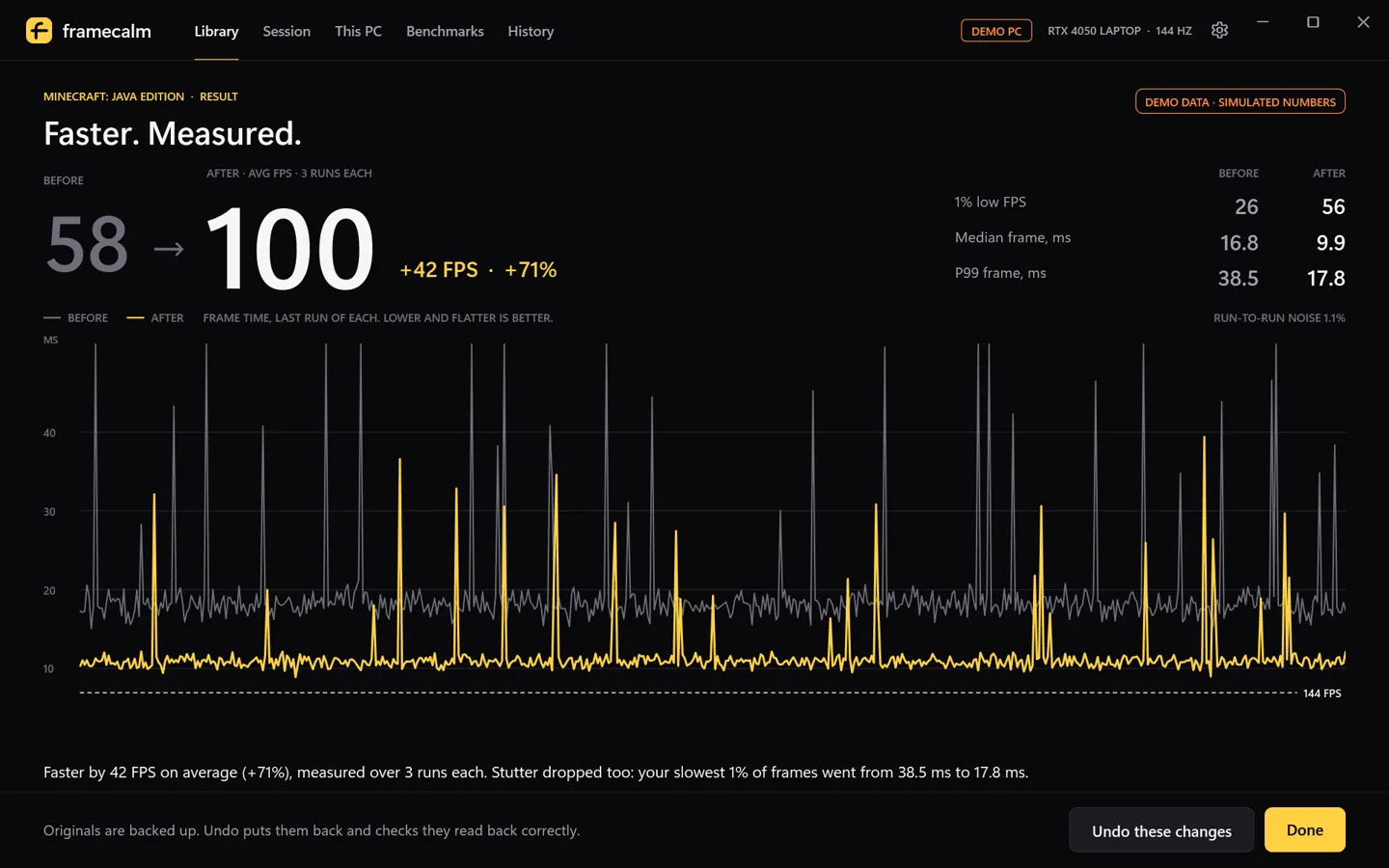
Three runs before, three after. If it's within noise, it says so.

58→100FPS

+42 FPS · 1% low 26 → 56

The wrong-GPU fix

Gaming laptops often start games on the slow built-in graphics. One click pins them to the real one.

Built-in graphics→RTX 4050

Game Session

Fastest power plan and fewer background apps while you play. All of it goes back when the game closes.

ON

Every change explained

What it is now, what it becomes, why it helps and what you give up. Untick anything you don't want.

Render distance16 → 10 chunks
Max framerate60 → 144 fps
GraphicsFancy → Fast

Undo anything

Originals are backed up before anything is written and checked after. Undo one change, one game, or everything on the PC. If you changed something yourself since, it asks first.

This PC · refresh rateUndo
Fortnite · 8 changesUndo this set
Minecraft · 10 changesUndo this set

What it refuses to do

No placebo. Nothing risky.

Most "FPS boosters" are a pile of tweaks from 2012 and a fake score. Framecalm leaves all of that out on purpose.

RAM cleanersWindows manages memory better than any booster. Emptying it makes games reload things.
Registry boost packsNetwork throttling, HPET, timer and boot tweaks are placebo at best and break things at worst.
Touching anti-cheatNo game files, memory, launch options or injection. Strict anti-cheat games get in-game steps only.
Weakening WindowsDefender, Memory Integrity and Windows Update stay on. No mass service disabling.
Realtime priority or overclockingHigh priority is opt-in and skipped where anti-cheat doesn't want it.
Invented numbersTypical gains are labelled typical. Only your own captures are called measured.

Try it

Pick a game. Pick how far to push it.

This runs in your browser on a made-up gaming laptop (RTX 4050 Laptop, Ryzen 5, 144 Hz). The changes are what Framecalm would really propose; the FPS numbers are simulated. Cover art belongs to each game's publisher and is loaded from their store pages.

Demo PC · RTX 4050 Laptop · 144 HzDEMO DATA

Average FPS, 3 runs each

→
BeforeAfterFrame time, lower and flatter is better

How it works

Check the PC. Change what pays. Prove it.

01

Checks this PC and your games

Refresh rate, power plan, Wi-Fi, and your games from Steam, Epic, Riot, Battle.net, the Xbox app, Roblox and the Minecraft Launcher. No disk scans.

02

Picks settings for your hardware

Based on your GPU, VRAM, CPU, laptop or desktop and your screen. Shows each change, why it helps and what you give up.

03

Proves it

Three runs before, three after, with Intel's PresentMon. Average FPS, 1% lows, frame times. Within noise? It tells you.

Game-specific tuning

Automatic where it's safe. Guided where it isn't.

On top of the PC-wide fixes, every one of these games gets the wrong-GPU fix, Game Session and benchmarks. Automatic means Framecalm edits the settings file the game itself writes, after checking it's a version it has been tested against. Guided means exact in-game steps.

GameModeWhat changesAnti-cheat
Minecraft: Java EditionAutomaticoptions.txt: render and simulation distance, graphics, clouds, particles, frame cap, V-SyncNone
FortniteAutomaticGameUserSettings.ini: shadows, global illumination, reflections, effects, post processing, frame limitEAC / BattlEye: untouched
Rocket LeagueAutomaticTASystemSettings.ini: dynamic shadows, light shafts, bloom, ambient occlusion, world detailEAC: untouched
RobloxGuidedExact in-game steps, including the official frame rate settingHyperion: never touched
VALORANTGuidedExact in-game stepsVanguard: never touched
League of LegendsGuidedExact in-game stepsVanguard: never touched
Counter-Strike 2GuidedExact in-game steps (Steam Cloud rewrites its config)VAC
Apex Legends, Overwatch 2, Rainbow Six Siege, PUBGGuidedExact in-game stepsEAC / BattlEye / Blizzard
Everything elseGPU + SessionWrong-GPU fix, Game Session, benchmarksn/a

Proof

No "up to 200% faster".

You won't find a big promise on this page, because the honest answer depends on your PC and your game. Framecalm measures your own before and after instead: three matched runs each, average FPS, median and 99th-percentile frame times, and a check of how much your runs varied. If the change is smaller than that, it says "within noise".

Want to measure without Framecalm? Here's how to do it properly.

Results screen: before and after averages, 1% lows and frame-time chart, labelled demo data

Safety & undo

Every change can be put back. Checked.

Backed up first

The original file is copied and verified before anything is written. Writes are atomic, so a crash leaves the old file or the new one, never half.

Verified after

Every value is read back. If one doesn't match, everything is rolled back. Unknown game versions are refused, not guessed.

Your edits win

Changed a setting yourself after Framecalm did? Undo asks before overwriting it. Undo one change, a game, or everything.

FAQ

Questions

Does Framecalm actually increase FPS?

It changes things that really affect frame rate: the game's own graphics settings, frame caps below your screen's refresh rate, the graphics chip a game runs on, and the power plan. Then it measures three runs before and three after on your PC. If the difference is within noise, it says so.

Can it get me banned?

Framecalm never touches game files, memory, launch options or anti-cheat, and never injects into games. For games with kernel anti-cheat like VALORANT it only shows in-game steps. It edits at most the settings file the game itself writes, the same file the in-game menu changes.

Can I undo the changes?

Yes. Originals are backed up before anything is written. You can undo one change, a whole game or everything, and Framecalm checks the original values are back. If you changed something yourself since, it asks before overwriting.

Is it free?

Yes. Free, with no ads, no account and no telemetry.

Why does it need admin for benchmarks?

Measuring frame times uses PresentMon, which reads Windows' own presentation events. Windows only allows that with admin rights. A small helper elevates for the capture only; the app itself runs without admin.

Get Framecalm

Free for Windows 10 and 11. Installs for your user only, no admin needed. Privacy

Download installer Portable zip